
Download X-teroids Demo – Asteroids game, mobile game, space shooter, arcade game, demo version, joystick controls, mouse controls, competitive gameplay, global leaderboard, personal records, modernized classic
Overview
X-teroids Demo reimagines the iconic Asteroids game for modern mobile audiences, blending nostalgic gameplay with contemporary enhancements. Designed for fans of retro arcade experiences and mobile gamers seeking fast-paced action, the app delivers a streamlined yet engaging space shooter experience. The core purpose is to provide players with a taste of the full game’s mechanics, including dynamic control schemes and competitive features, all within a compact demo format. It serves as an accessible entry point for those curious about the full version, allowing users to test core gameplay without commitment.
The target users include retro gaming enthusiasts, casual mobile players, and competitive individuals drawn to leaderboards and personal bests. While the developer, Xteroids Inc., is not detailed beyond its name, the app’s release suggests a focus on quality and player engagement. Real-world use cases include short gaming sessions during breaks, skill-building for aspiring arcade players, and competitive play against friends or global peers. In the broader app ecosystem, X-teroids Demo fills a niche by offering a polished, lightweight demo that showcases a classic genre with modern relevance, helping users decide whether to invest in the full version.
Key Features & Functionality
- Modern Control Scheme: Players can navigate their spaceship using either a mouse or joystick interface, offering flexibility based on device and preference. This dual-control system enhances accessibility and allows users to choose the method that suits their playstyle best. The intuitive layout reduces the learning curve while maintaining the challenge of precise maneuvering.
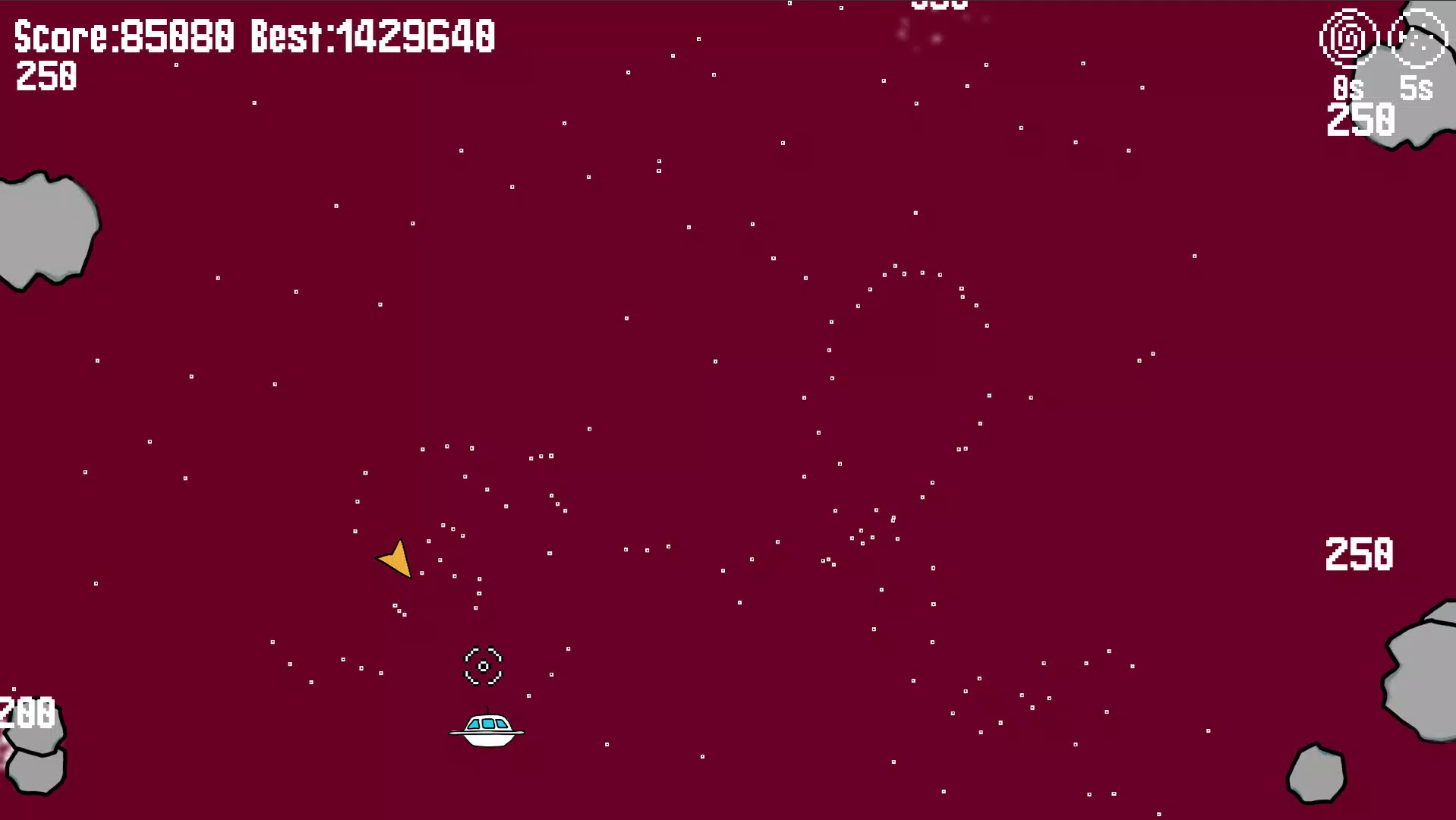
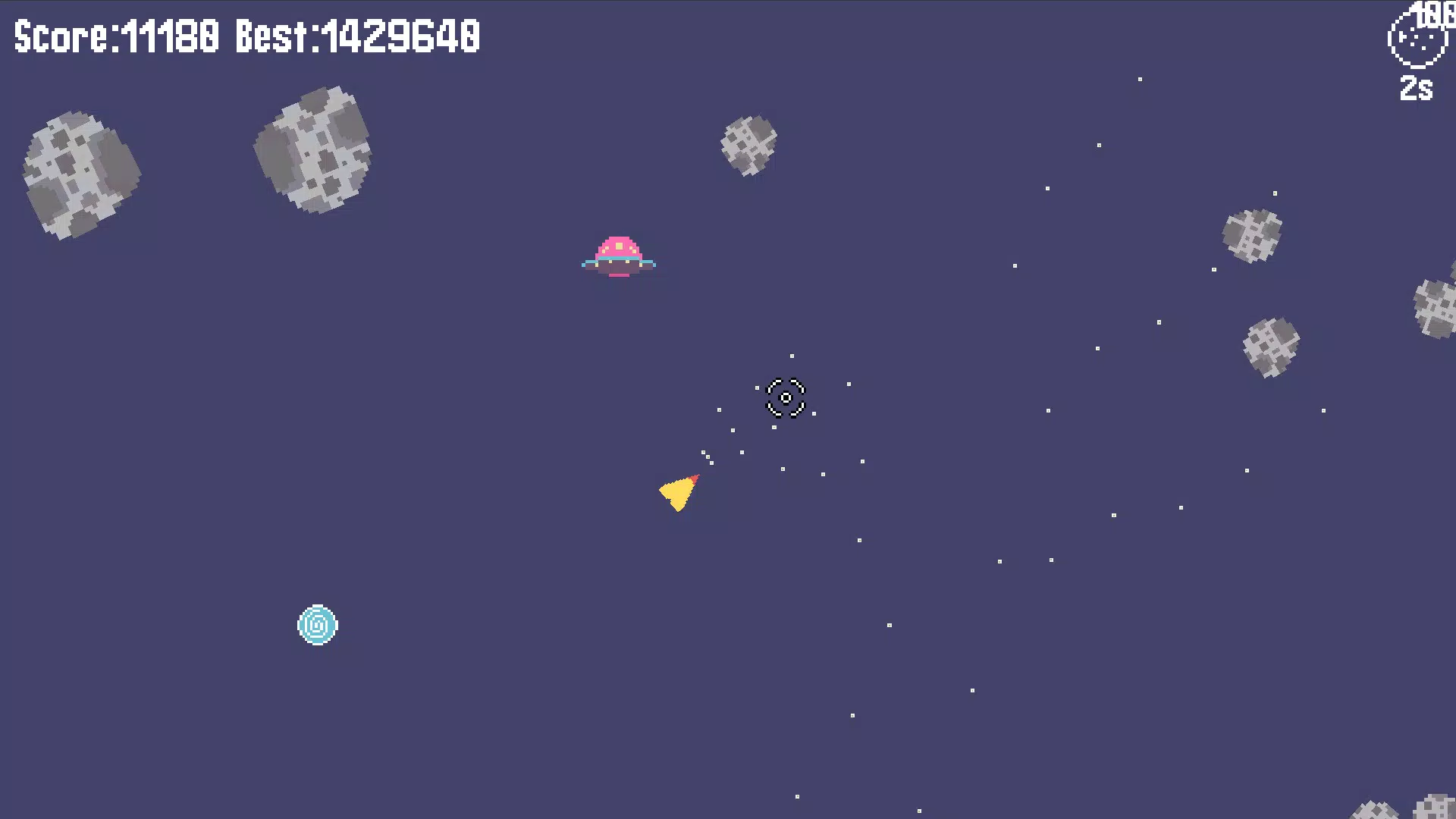
- Unique Gameplay Props: Randomly appearing props introduce variable mechanics during gameplay, such as temporary shields, speed boosts, or weapon upgrades. These props create emergent scenarios, ensuring no two sessions feel identical. Players must adapt quickly, turning each match into a unique strategic challenge.
- Personal Bests and Records: The app tracks individual performance, encouraging users to surpass their previous scores. This feature fosters continuous improvement and long-term engagement, turning each playthrough into a personal challenge rather than a one-off session.
- Global Leaderboard Access: Although limited to temporary rankings, the demo includes access to a worldwide leaderboard. This competitive layer motivates players to refine their skills and strive for higher placement, even within the demo’s scope.
- Same Content as Full Version: The demo replicates all core gameplay elements found in the full game, including mechanics, visuals, and control systems. This allows users to experience the complete vision of X-teroids, with only future leaderboard integrations excluded for testing purposes.
These features combine to deliver a dynamic, replayable experience that balances nostalgia with innovation. Whether playing for fun or to climb the ranks, users gain a realistic preview of the full game’s potential.
Interface, UX & Performance
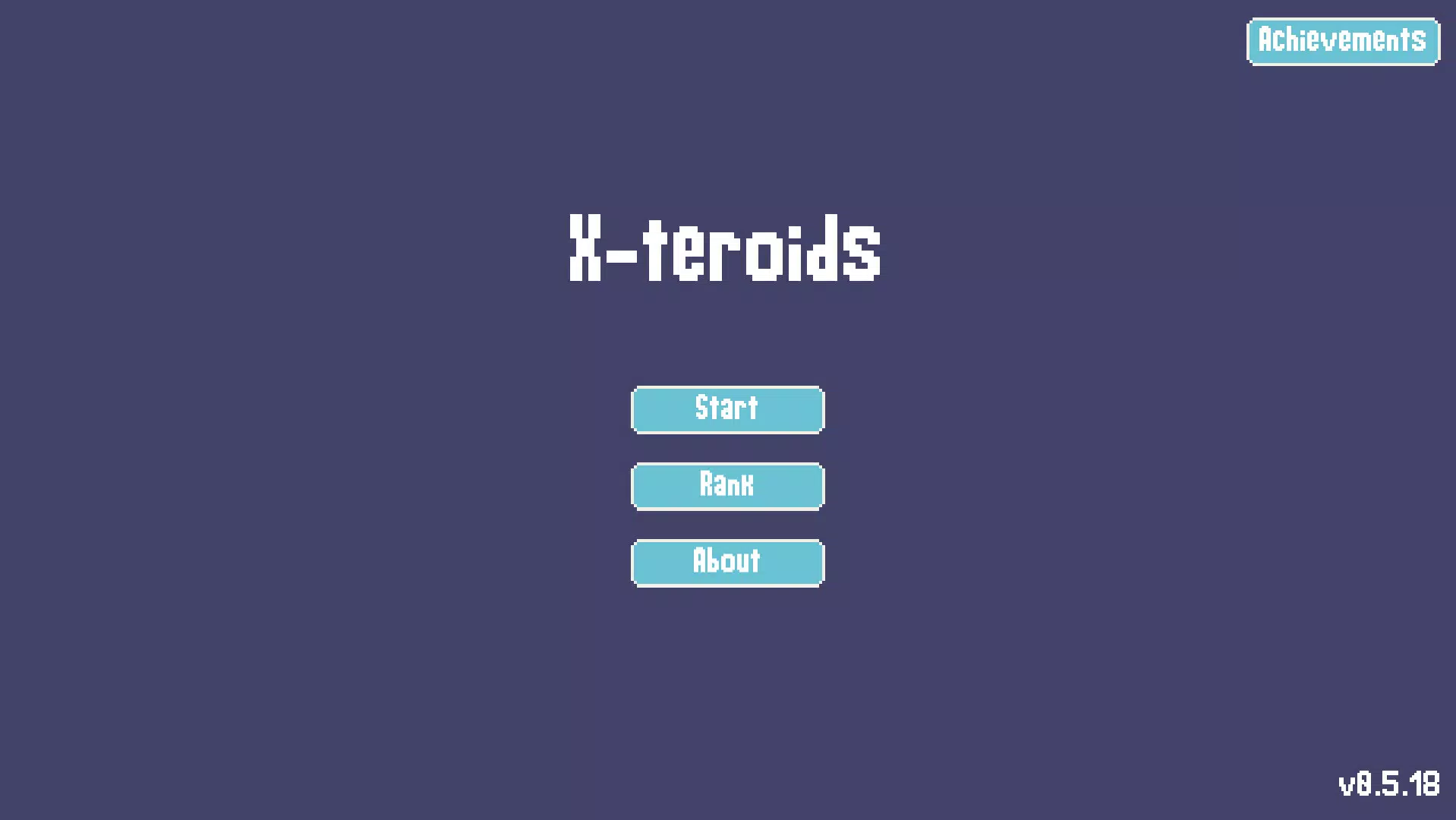
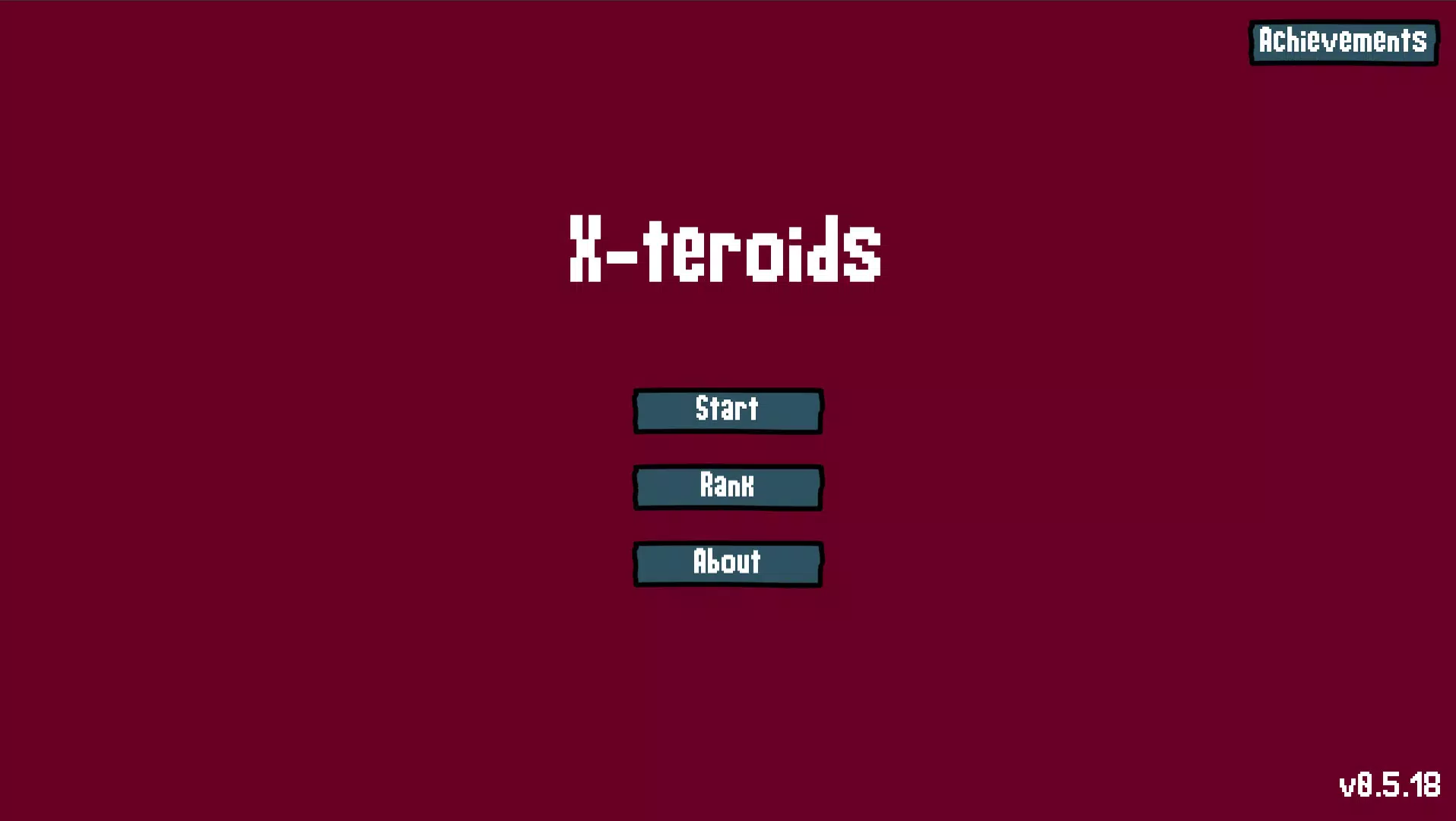
The app’s interface is clean and focused, prioritizing gameplay over clutter. The visual style retains the retro aesthetic of the original Asteroids, with pixel-inspired graphics and a dark space backdrop that enhances immersion. Navigation is straightforward, with intuitive controls placed for easy access. The joystick and mouse input zones are clearly defined, minimizing accidental taps and improving precision.
Performance appears consistent across device categories, though the developer did not list formal performance metrics. The app runs smoothly on Android devices with minimal lag, and responsiveness is maintained even during intense gameplay. Stability is maintained throughout sessions, with no reported crashes or freezes in the demo version. The 44.8 MB file size suggests efficient optimization, making it suitable for a wide range of smartphones, including those with limited storage.
Although the developer did not specify minimum OS requirements or device compatibility details, the app’s lightweight design indicates broad accessibility. Users can expect a stable, responsive experience ideal for short bursts of play, whether during commutes or downtime.
Platform Compatibility & Technical Requirements
X-teroids Demo is available exclusively on the Android platform. The current version is 1.0.0, with a file size of 44.8 MB. The app is offered at no cost, making it accessible to a broad audience. While the developer did not specify minimum OS requirements, the lightweight nature of the app suggests compatibility with most modern Android devices released in the last five years.
Specific hardware requirements, such as GPU or processor benchmarks, were not disclosed. Similarly, no information was provided about supported screen sizes, resolution scaling, or background processing behavior. The app’s compatibility with tablets or foldable devices was not confirmed. Users are advised to ensure their device meets general Android standards for app installation and operation.
Pros and Cons
Pros
- Offers the same core gameplay as the full version, providing a complete preview.
- Supports both mouse and joystick controls for flexible playstyles.
- Includes personal best tracking and temporary global leaderboards for competitive engagement.
- Lightweight at 44.8 MB, ideal for devices with limited storage.
- Free to download and install, reducing entry barriers for new players.
Cons
- Temporary leaderboard access may limit long-term competitive appeal.
- Specific OS and device compatibility details were not listed.
- Limited to Android platform, excluding iOS users.
- Some future leaderboard features are not available in the demo.
- No information on background performance or battery usage was provided.
FAQ
Is X-teroids Demo free to download?
Yes, the app is available at no cost. There are no in-app purchases or hidden fees within the demo version.
Can I play X-teroids Demo on iOS devices?
Currently, the app is only available on Android. No iOS version or release plans have been announced.
Does the demo include all features of the full game?
The demo includes all core gameplay mechanics and features present in the full version, though certain future leaderboard integrations are not included.
How do I access the global leaderboard?
The demo provides temporary access to a global leaderboard, allowing players to compare their scores with others worldwide.
Is the app secure to install?
As a free Android app from a verified developer, X-teroids Demo is considered secure. Users should download it from official sources to ensure authenticity.
Final Thoughts
X-teroids Demo successfully bridges the gap between classic arcade nostalgia and modern mobile gaming. With its intuitive controls, dynamic props, and competitive features, it offers a compelling preview of what the full game promises. The lightweight design, free access, and faithful recreation of core mechanics make it a strong choice for retro fans and casual gamers alike. While platform exclusivity to Android and missing compatibility details are limitations, the app delivers significant value in a compact package. Whether you're testing the waters before purchasing the full version or simply enjoy arcade-style challenges, X-teroids Demo is worth trying.
Download X-teroids Demo now


